See also: Tools · Mango — Arrow Navigation & Video Pipeline · System-Wide Call
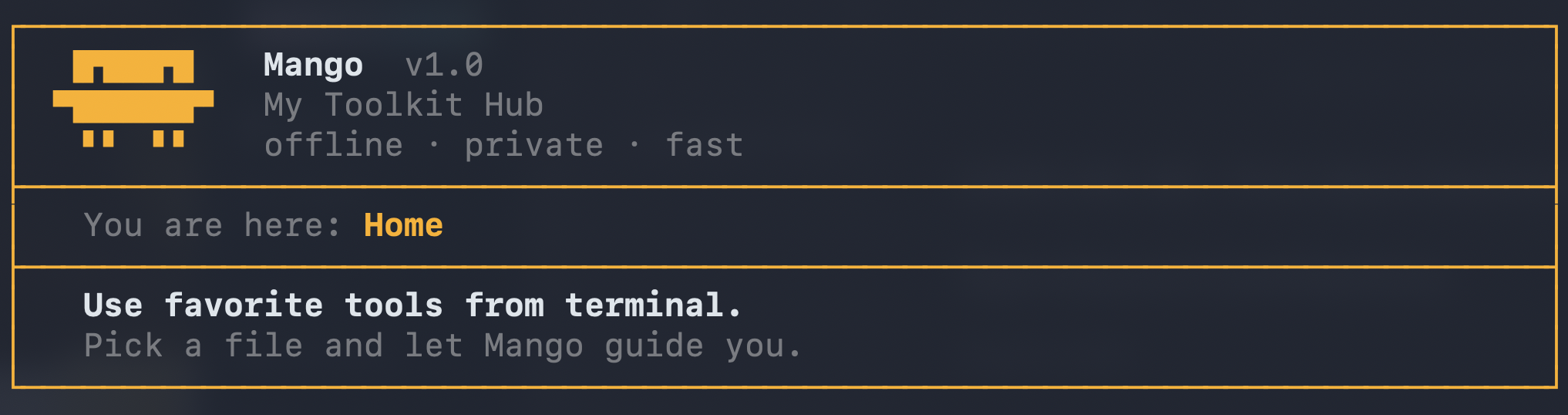
As the toolkit expands, remembering individual script paths, names, and arguments becomes cumbersome. To solve this, I am introducing Mango—a centralized, interactive shell interface.
Why "Mango"?
- Cool Factor: It's short, memorable, and fun.(PS: I don't even like mangoes, but apple is taken :)
- Convenience: Instead of calling various
tools/...scripts with long paths, you simply typemangoanywhere in your terminal.
Core Features & Goals
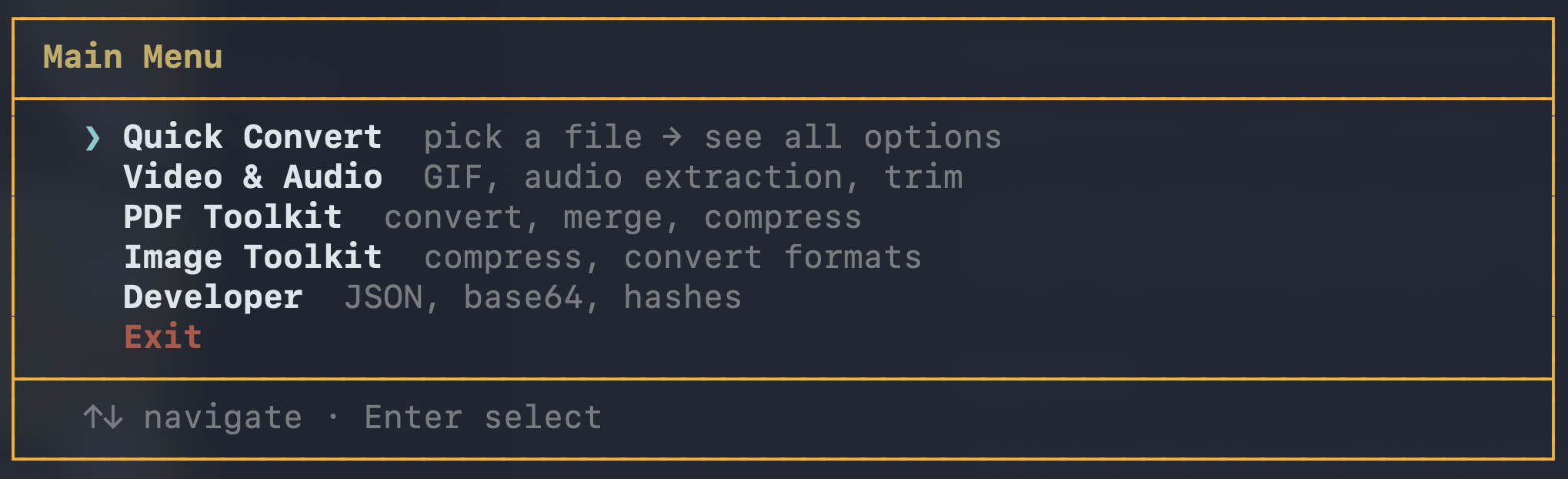
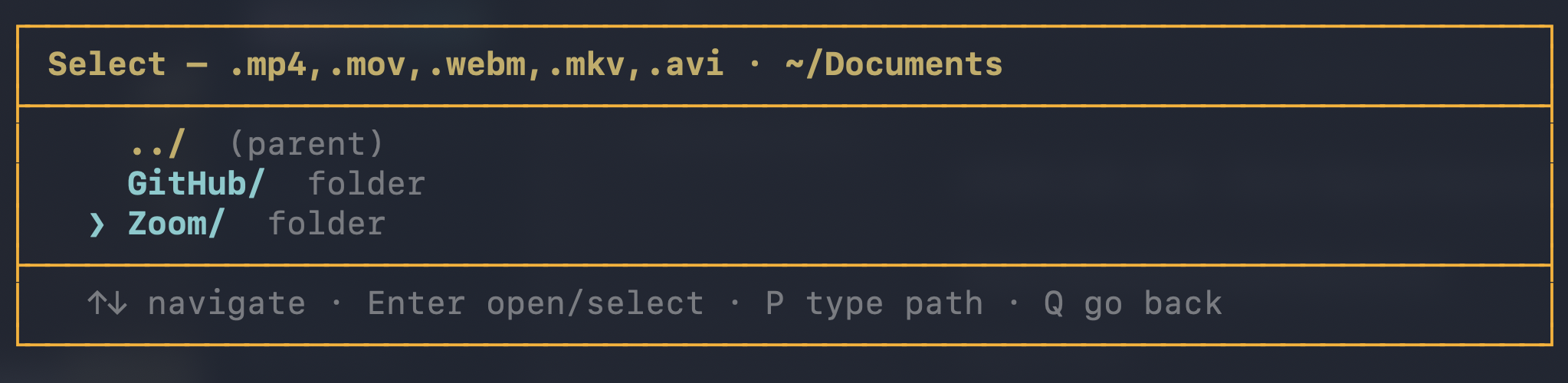
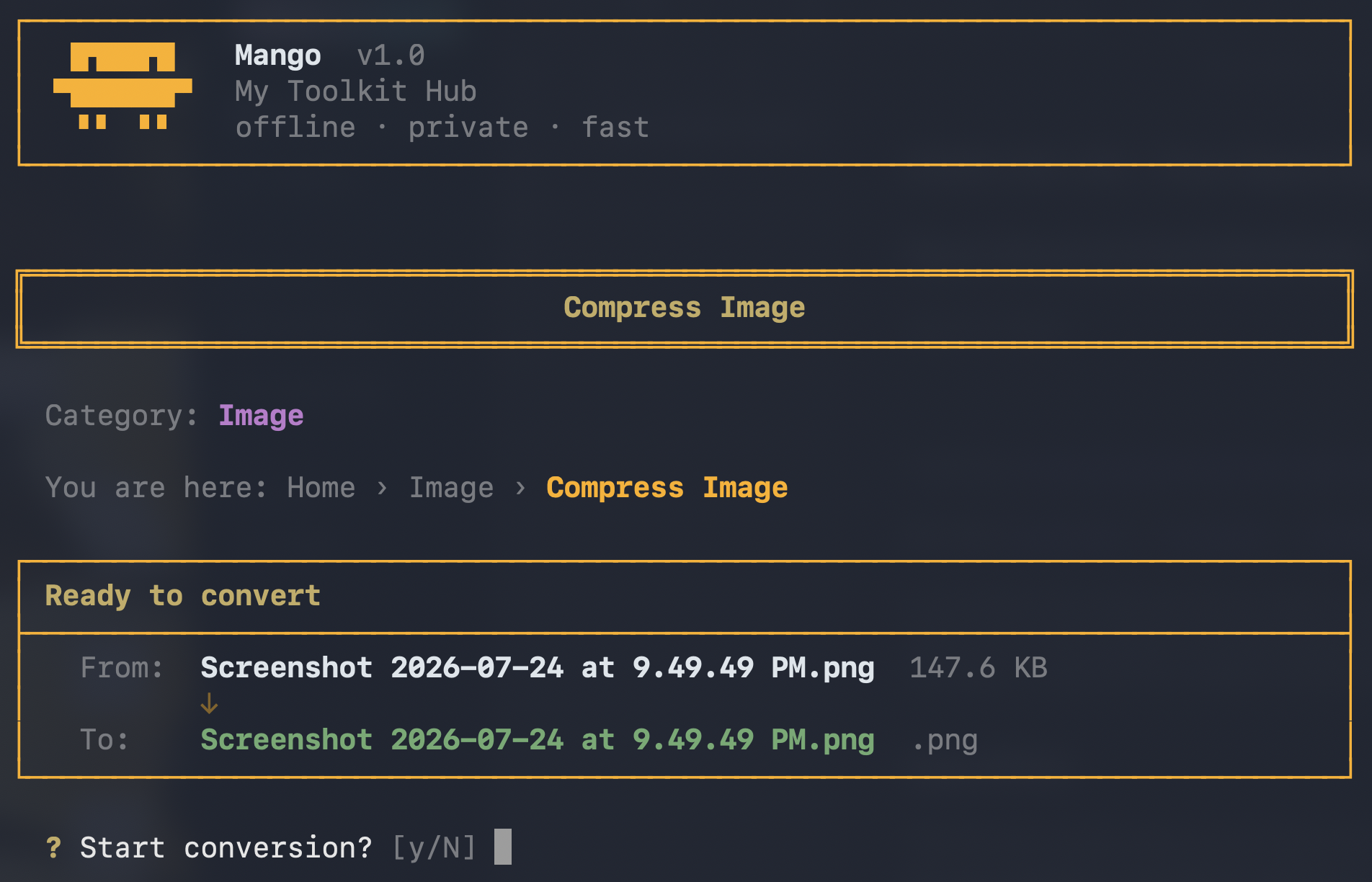
- Highly Interactive: The UI should feel like a polished application, not a standard text dump. It will prompt for inputs step-by-step.
- Zero Friction: Accessible immediately from the terminal without worrying about long URLs, data paths, or flags.
- Longevity: Designed to be the permanent front-end for all future PDF, image, and video workflows.
Execution Plan
- Build
bin/mango: A pure bash script (for maximum portability) featuring a stylized menu. - Global Access: Ensure the script is in the
$PATHso it can be invoked globally. - Seamless Tool Integration: Dynamically map user choices to the underlying scripts in the
tools/directory.
Screenshots